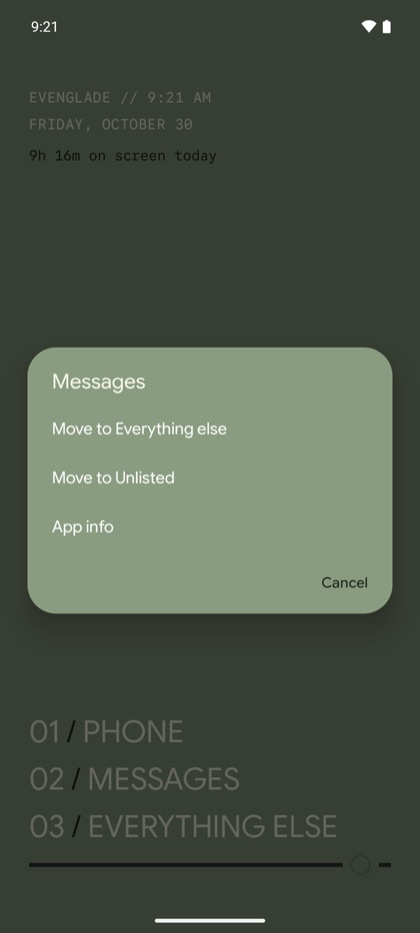
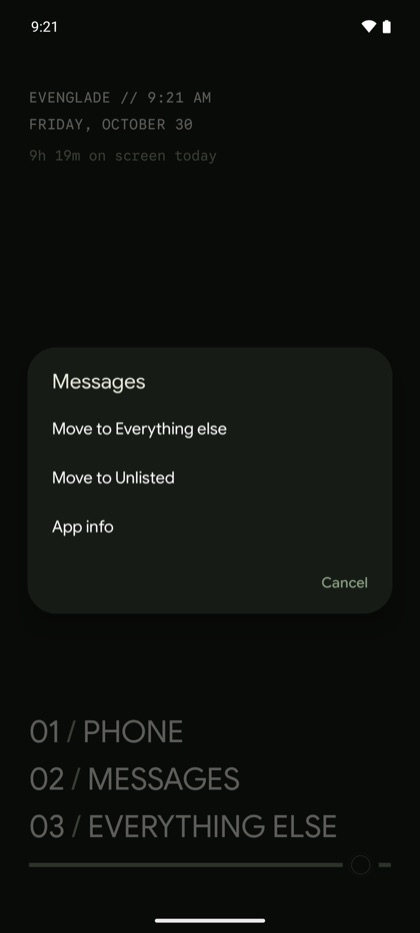
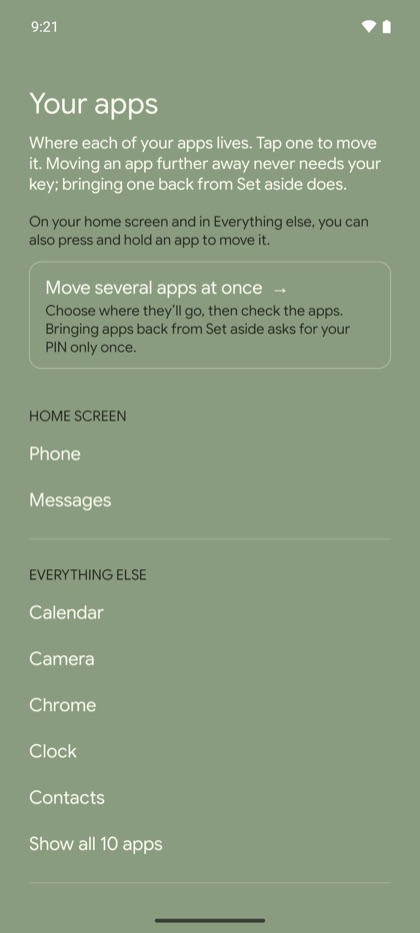
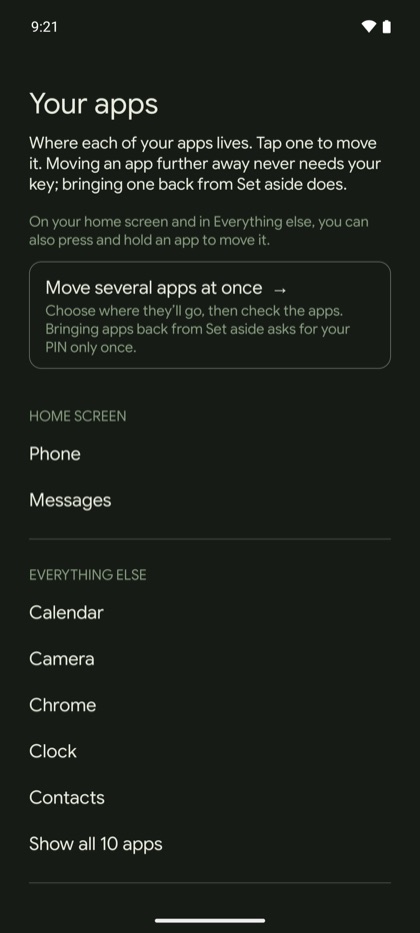
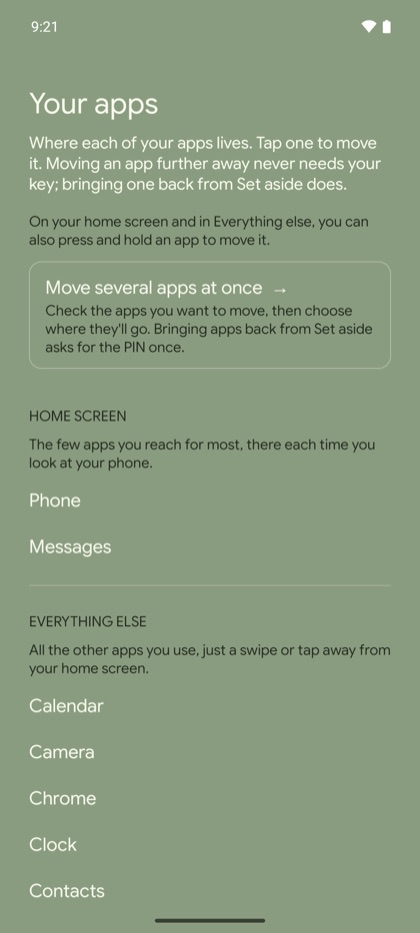
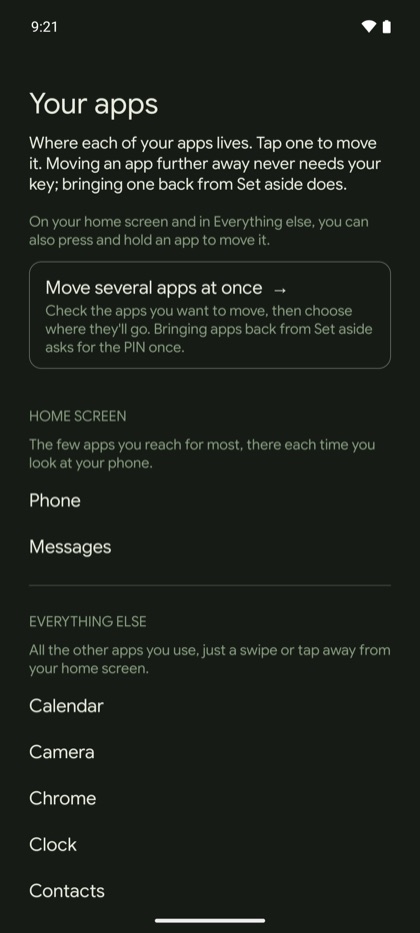
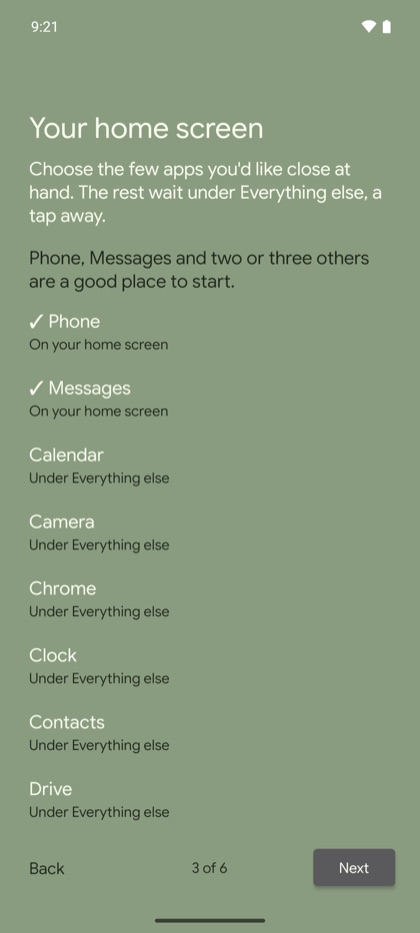
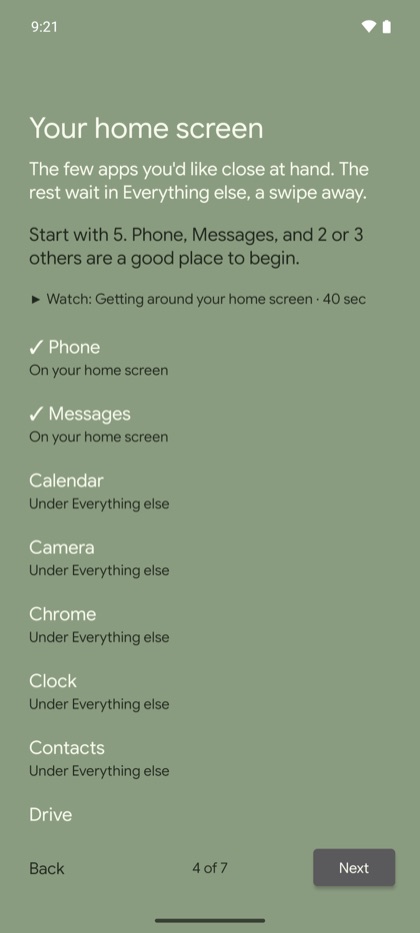
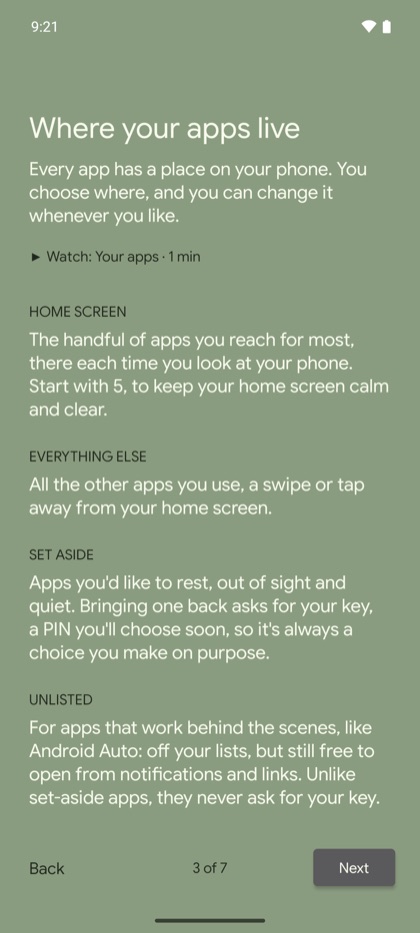
A clearer start, and a clearer picture of where your apps live and how long you'd like to spend in each.
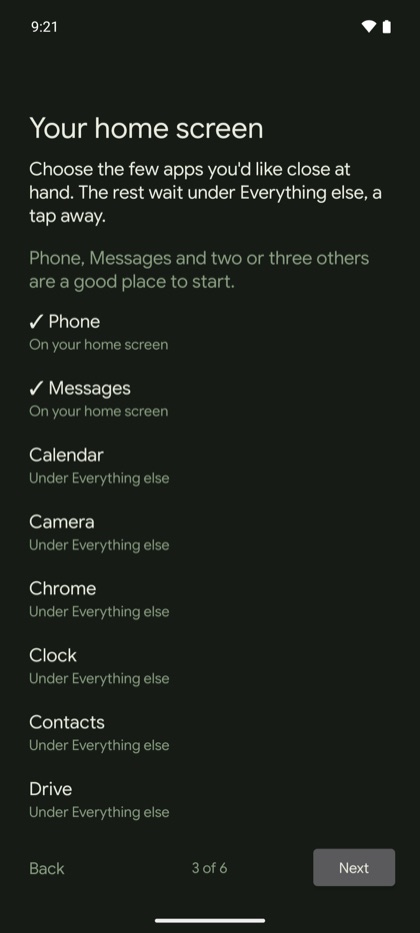
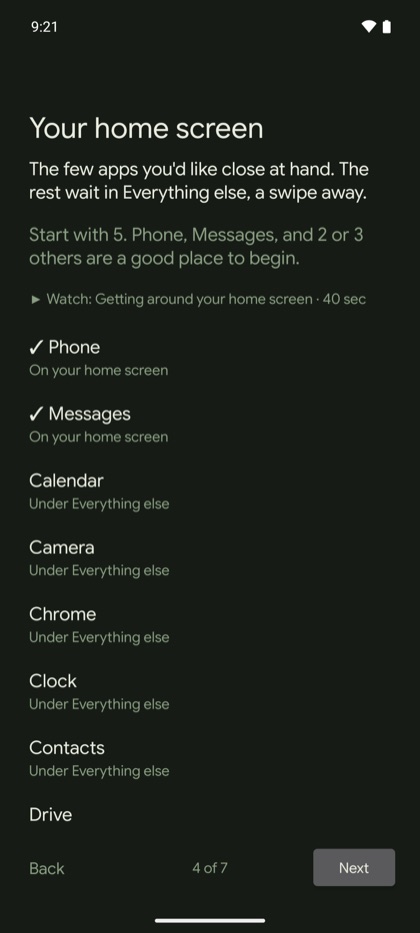
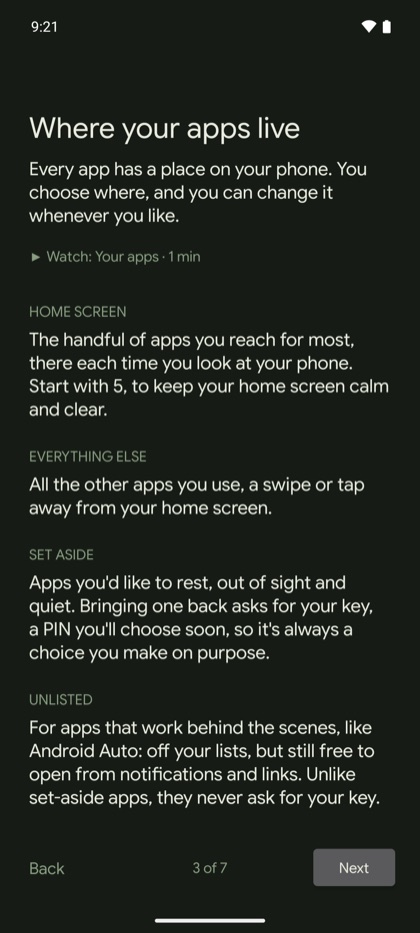
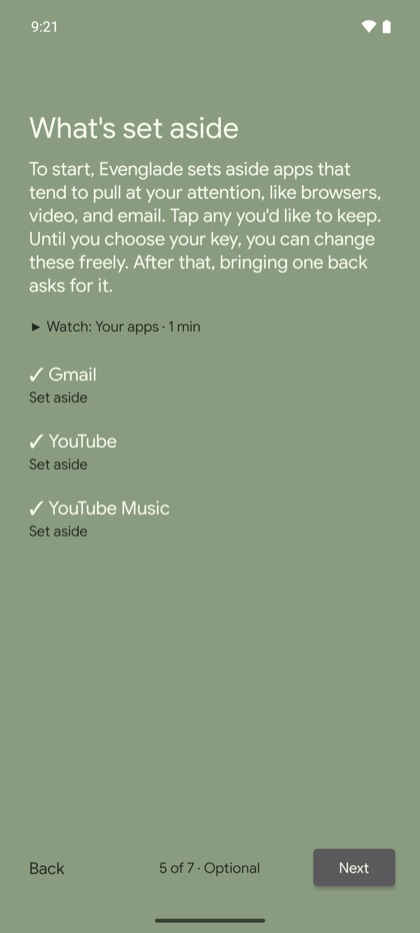
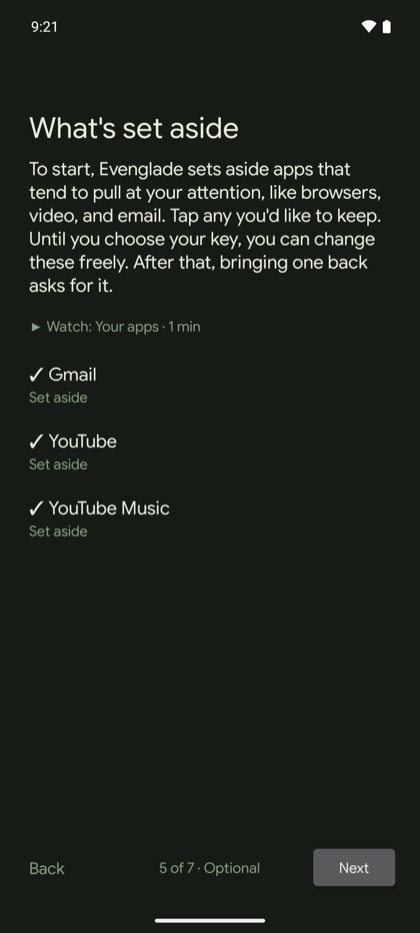
- A walkthrough that explains more. A new step shows where your apps live. You start your home screen with five apps, and decide what's set aside while it's still free to change, before choosing your key. Each step links to a short video, and the last one gathers your choices in one place.
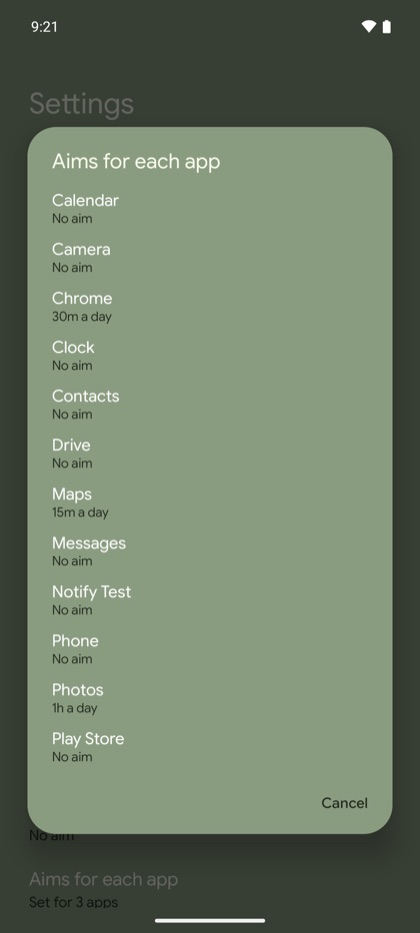
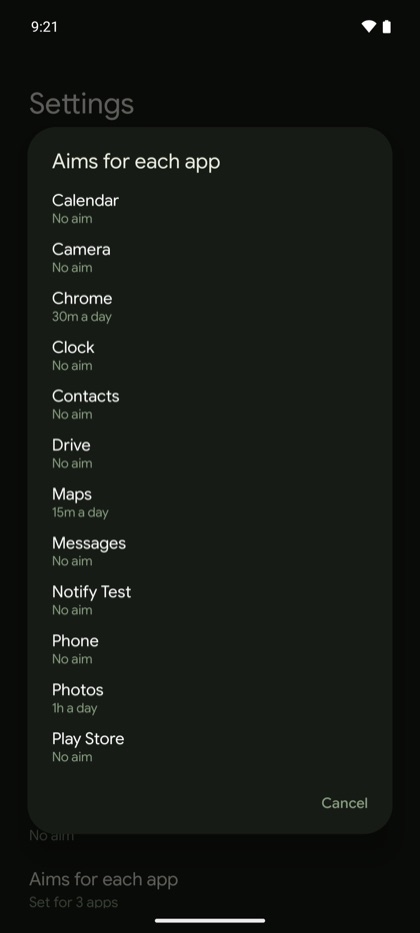
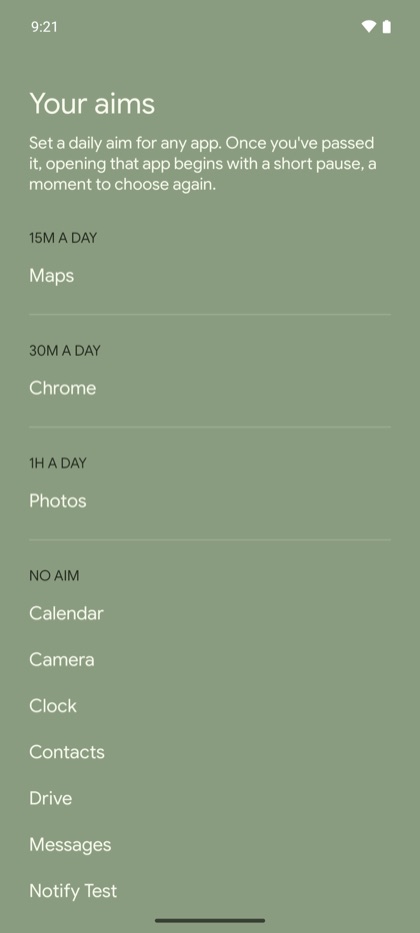
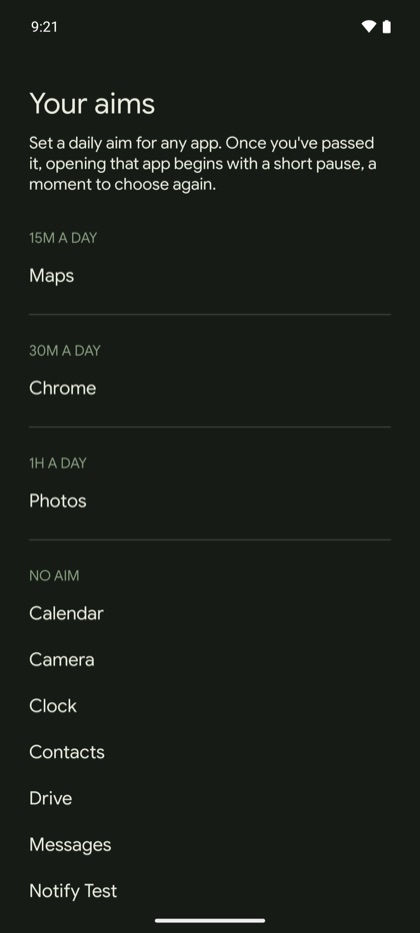
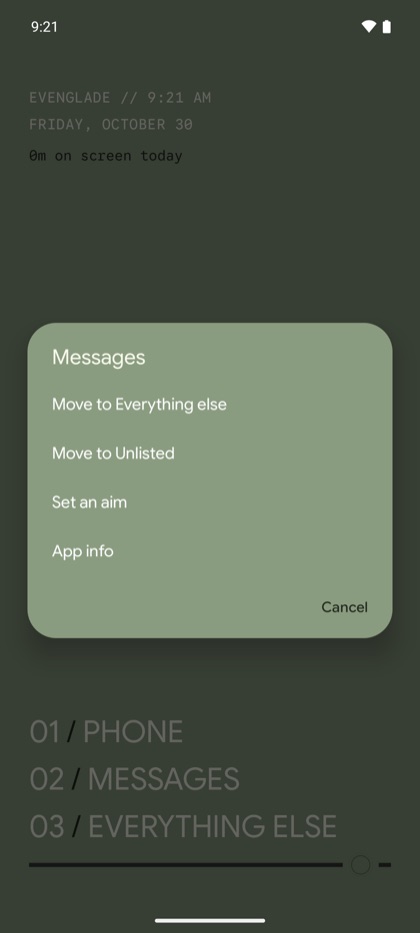
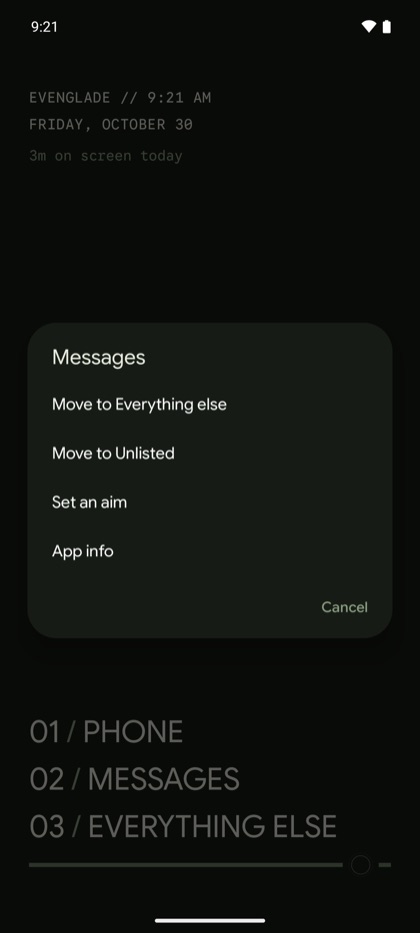
- Your aims. A page of its own that groups your apps by their aims, from 0m to 2h a day. Set an aim for any app by pressing and holding it, too.
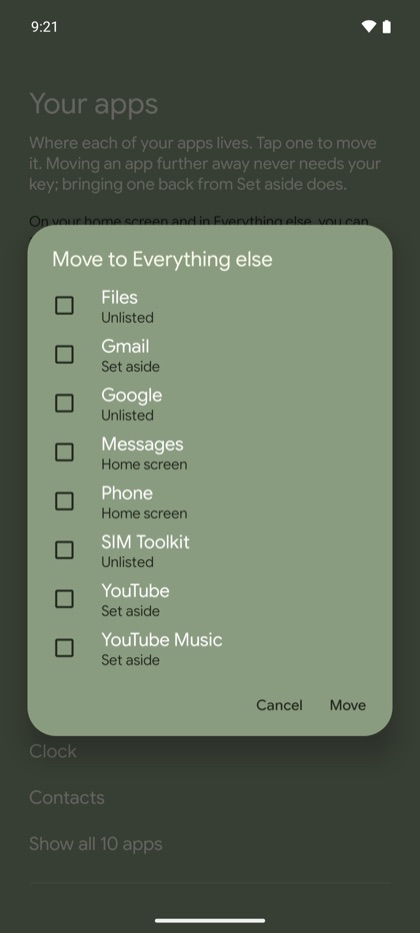
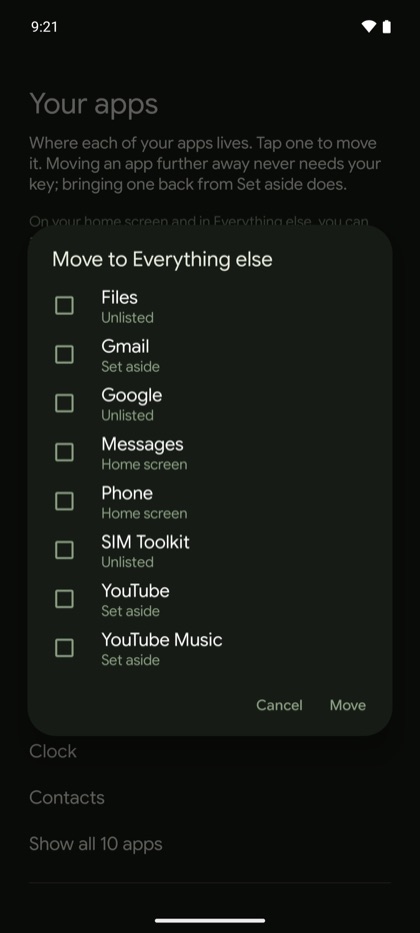
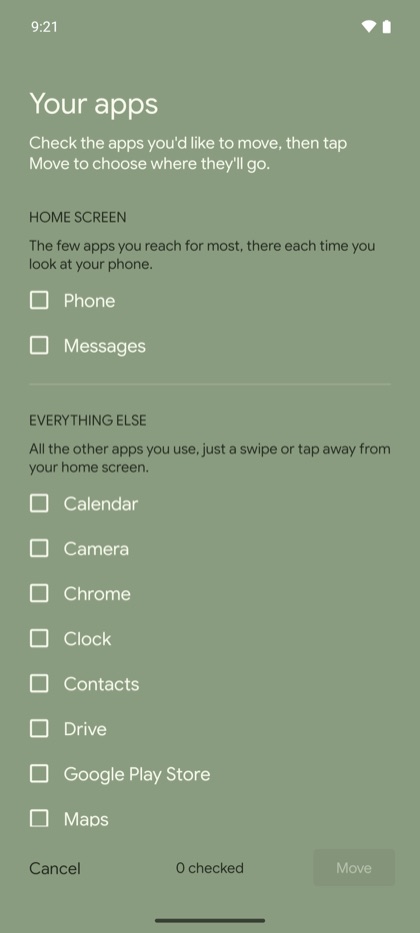
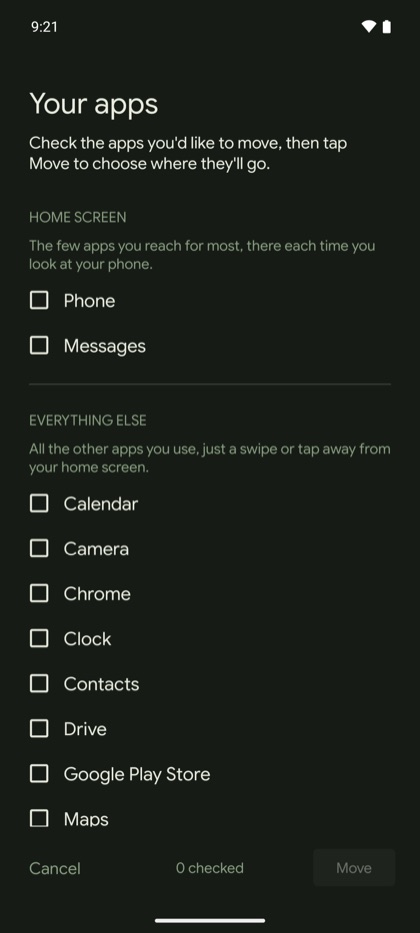
- Your apps says what each place is for, and Move several apps at once lets you check the apps right where they are.
- Android Auto starts out unlisted, so Evenglade doesn't get in the way of connecting to your car.
- A pause however you open an app, and no repeats. Once you've passed an aim, opening an app begins with a short pause, whether from Evenglade, a notification, or a link. Going home from it, or stepping away and coming back within 5 minutes, doesn't show another pause.
- Your look's wallpaper comes back when you return to Evenglade after a break.
- What the words mean, a short page in Settings, under Feedback and help.
- The screen time lines in Settings say when they're waiting for usage access.
- Clearer wording throughout, from the walkthrough to Settings and the screens for your key.